41710 Hayes Rd, Clinton Township, MI Mon–Fri 10–6 · Tue til 4:30 · Thu til 7 · Sat 10–3 (586) 247-8810
Desktop PC Cleaning

Desktop Computer Cleaning Service in Clinton Township, MI

Dust-packed tower? We clean the fans, heatsinks and filters so your desktop or gaming PC runs cooler, quieter and longer.
24+ years of experience No appointment needed Honest, upfront pricing
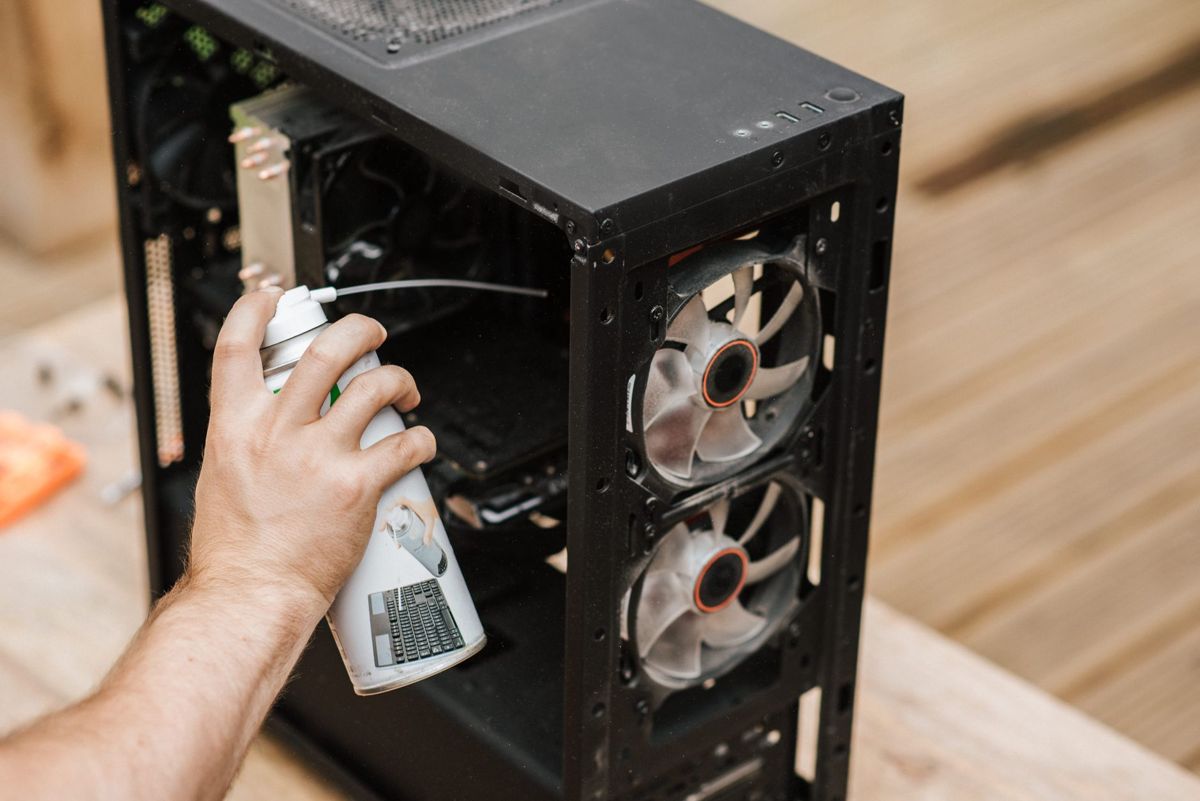
Technician removing dust from a desktop PC with compressed air
Desktop PC Cleaning

Professional Desktop PC Cleaning

A desktop pulls air through the case all day, and the dust comes with it. It coats the fans, blankets the heatsinks and chokes the filters until the PC runs hot and loud.

We open the case and clean it properly: case fans, CPU cooler, graphics card, power supply vents and filters — for home PCs, office desktops and gaming rigs.

Let’s Get Started — Call (586) 247-8810
Is It Time?

Signs your desktop needs a cleaning

If you can see dust through the side panel, there is a lot more where you can’t see it.

  • Fans loud or ramping up and down
  • Dust on the front grille or vents
  • Shuts down or stutters during games
  • Runs hot or slows under load
  • Dust visible on the fans or inside the case
  • Pets or smoke in the home
  • Gray fuzz on the fan filters
  • Not opened in a year or more

Heat shortens the life of every part in the case. A cleaning is the cheapest way to protect them.

What We Do

What a desktop cleaning covers

  • Dust removed from case fans and filters
  • CPU cooler and heatsink cleaned
  • Graphics card fans cleaned
  • Power supply vents cleared
  • New CPU paste if the old paste has dried out
  • Temperatures checked after the clean
How It Works

From dusty tower to cool PC

Carry the tower in during shop hours. You are welcome to call first.

1

Unplug the tower

Bring the tower and its power cord. The monitor can stay at home.

2

We open the case

We look at each fan, the CPU cooler and the power supply before we clean.

3

You okay the cost

We tell you what it costs first. We start only when you agree.

4

We run it hard

After the clean, we put the PC to work and watch the heat. Many jobs are done the same or next day. If we need a part, we tell you the timing up front.

Honest Advice

Still hot after a cleaning?

If the PC still overheats after a cleaning, something else is wrong — a dead fan, a failing power supply or a cooler that isn’t seated right. We’ll tell you honestly what we find before any extra work.

For that, see our desktop repair service. Thinking about more cooling or new parts? Ask about PC upgrades. We also do laptop cleaning.
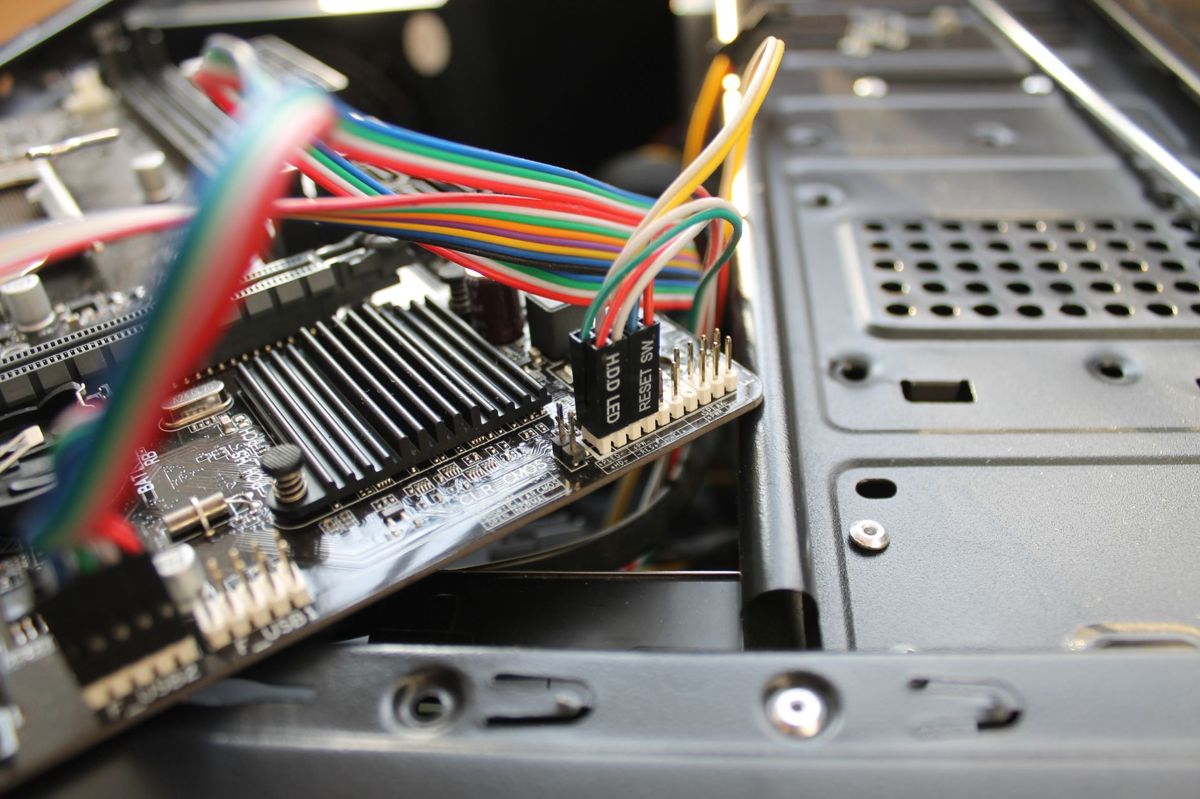

Dust inside a desktop computer case
Frequently asked questions icon

Desktop PC Cleaning FAQs

How often should a desktop PC be cleaned?
Look at the front grille and the fan filters. If they are gray, it is time. A tower that sits on the floor fills up faster, so check it more often.
Will cleaning make my PC faster?
It can. When a PC runs too hot it slows itself down to protect its parts. Clearing the dust lets it cool properly again. If the slowness has another cause, we will tell you what we find.
Is it safe to vacuum my computer myself?
We do not recommend a household vacuum inside a PC. It can build up static and it is easy to knock a cable or a fan blade. Bring it in and we will clean it safely.
Do you clean the graphics card too?
Yes. Graphics card fans clog up quickly in gaming PCs. We clean them along with the case fans and the CPU cooler.
What should I bring?
Just the tower and its power cord. You do not need to bring the monitor, keyboard or mouse.

Want to know about timing, price or walk-ins? Those answers are on our laptop cleaning page, and they work the same way for towers.

Get In Touch

Why people choose Speedy Tech

We fix all kinds of devices with honest pricing and quality workmanship. Fill the form and we'll be in touch shortly!

Tech trouble? Bring it in and we will diagnose it.

No appointment needed. Honest advice, fair pricing, and quality work from a shop with over 24 years of experience.

Our Location

Find Us in Clinton Township

Visit Speedy Tech for computer repair in Clinton Township and across Macomb County. Walk in or give us a call — we’re here to help.

Speedy Tech Computer Repair

41710 Hayes Rd
Clinton Township, MI 48038
(586) 247-8810
Call or text — walk-ins welcome
Monday10:00 AM – 6:00 PM
Tuesday10:00 AM – 4:30 PM
Wednesday10:00 AM – 6:00 PM
Thursday10:00 AM – 7:00 PM
Friday10:00 AM – 6:00 PM
Saturday10:00 AM – 3:00 PM
SundayClosed